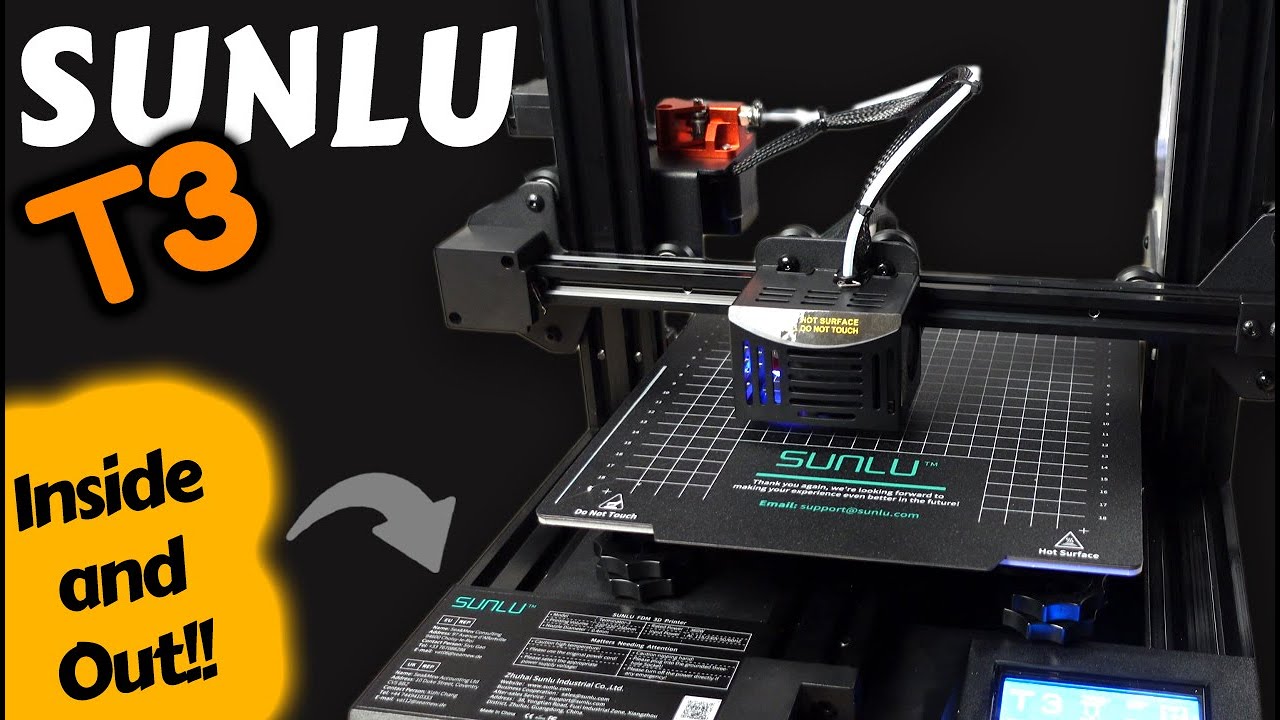
This is a hands-on review of the SUNLU T3 3D printer — a closer look at its features and real-world performance, including the mainboard, filament runout sensor and hotend, where it falls short, and a firmware update along the way.
Disclosure: I received this printer as a prize in a competition, which means I have complete freedom to share my honest opinions on it. So that is exactly what this is.
Unboxing
The package contains the following items:
- A pair of pliers, which is always a handy tool to have
- Some large cable ties that appear to serve no purpose other than securing the equipment for shipping
- A 24V power supply
- A sizable scraper
- Mounting hardware organized in clearly labeled bags
- A USB adapter for the provided 8MB SD card
- A small roll of white PLA filament
- A USB cable
- A couple of keys for the nozzle and the eccentric nuts on the roller-wheel bearings
- Some smaller cable ties
- An instruction pamphlet for assembly
- And finally, the two parts of the printer that need assembling
Assembly
Assembling the printer is relatively easy. Four screws attach the Z-axis section to the base, inserted from the bottom — it helps to stand the base on its side while you do it. Once both sides are started, tighten them all the way.
Next, mount the power supply to the frame after checking the supply voltage is set to your region’s standard (220V or 110V). It attaches to the rear of the printer with two screws inserted from the front. Finally, attach the provided spool holder to the top using three screws.
That’s it for assembly — SUNLU deserves some credit for making it painless. We’re not quite ready to print reliably yet, though, as the rest of the video gets into.
Video-first. The hardware that actually matters — the mainboard, the filament runout sensor and the hotend — plus the firmware update and the honest verdict are all in the video above. A finished written review is on the way.
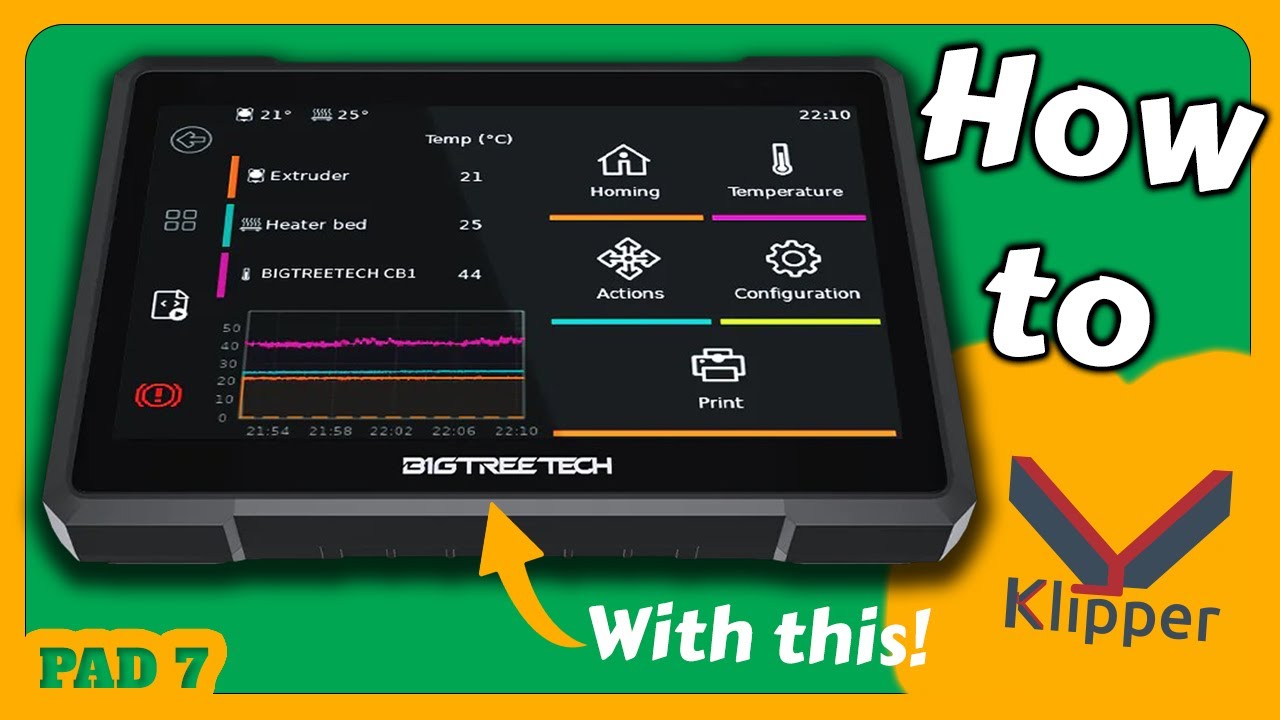
I later paired this same SUNLU T3 with the BigTreeTech PAD 7 to run Klipper — if that’s where you’re headed, the full setup is in the BigTreeTech PAD 7 + Klipper guide.